> For the complete documentation index, see [llms.txt](https://docs.alphakek.ai/llms.txt). Markdown versions of documentation pages are available by appending `.md` to page URLs; this page is available as [Markdown](https://docs.alphakek.ai/create/caption-meme.md).
# Caption Meme
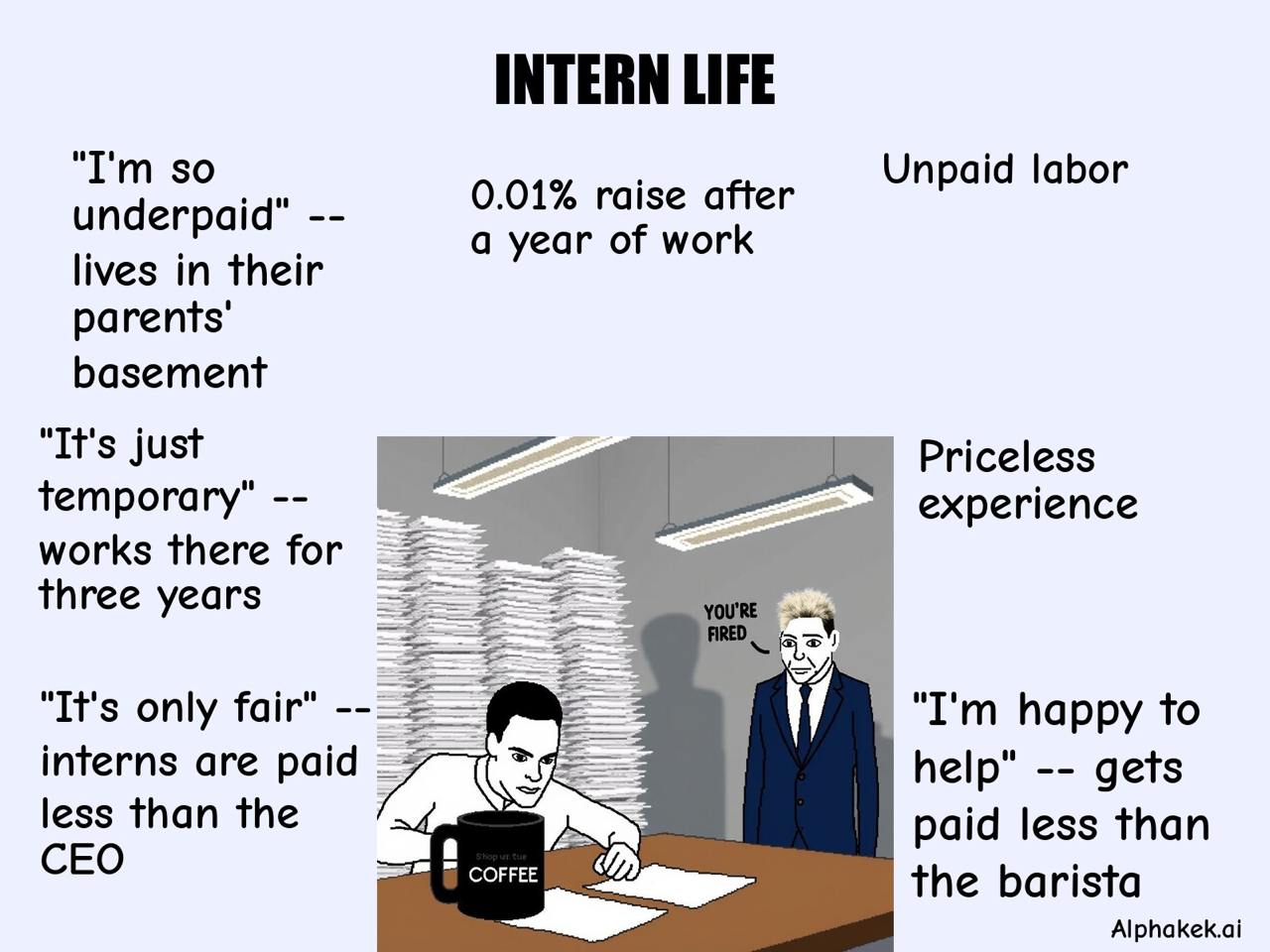
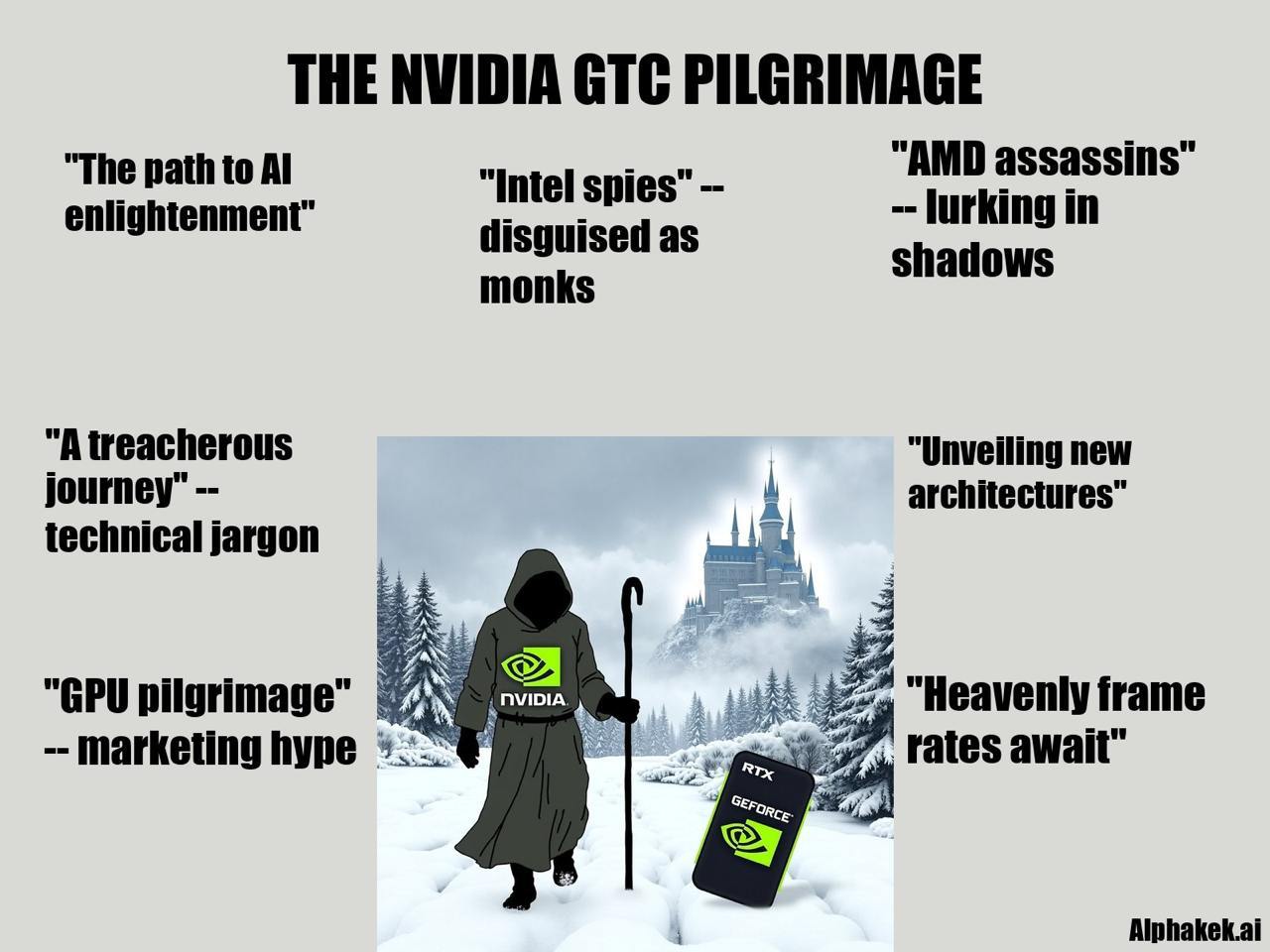
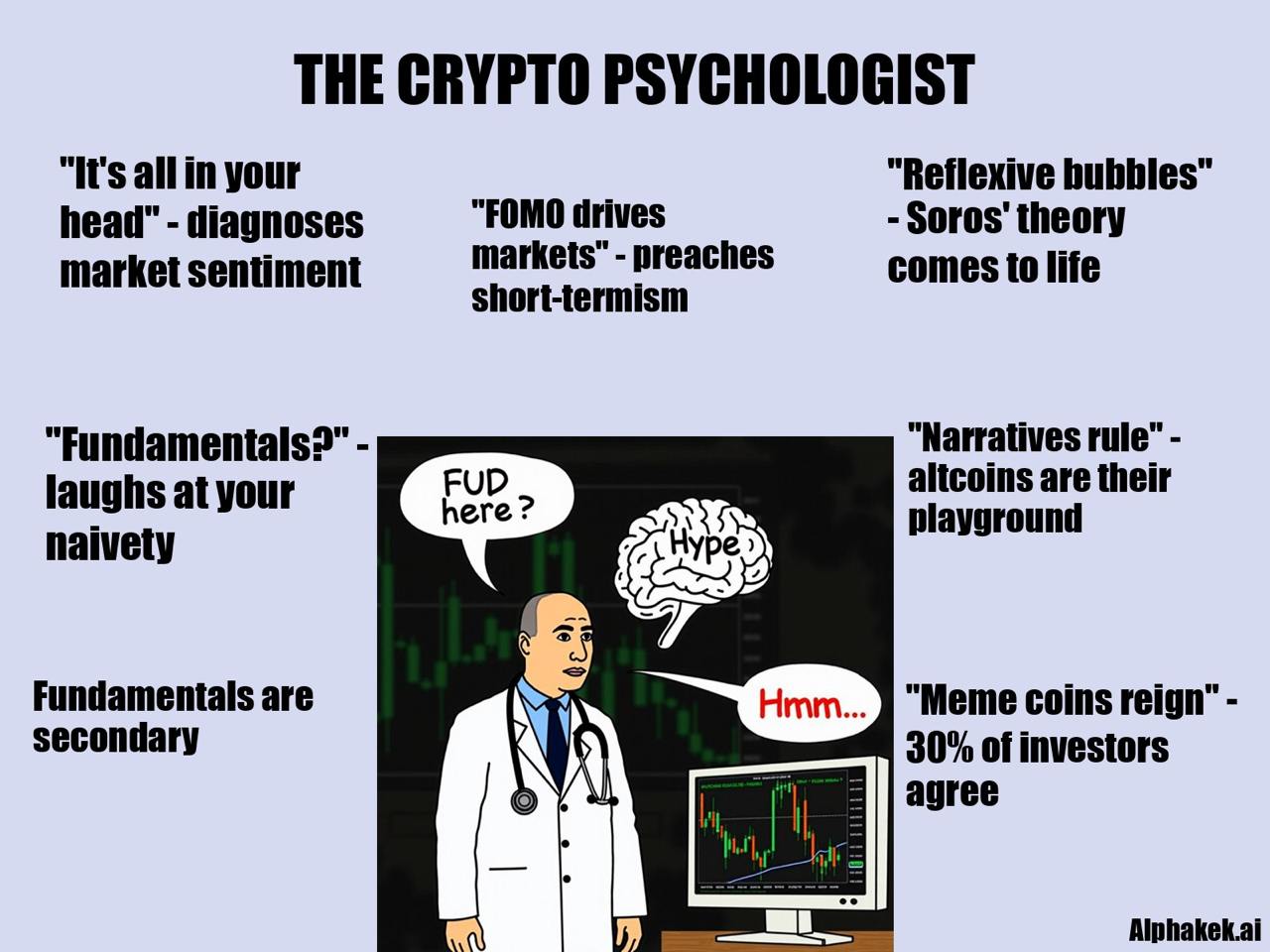
Generate uncensored satirical infographics using a prompt.
This pipeline takes a text description and an optional image as input and then generates a caption meme automatically, leveraging [Fractal](/fractal.md)'s real-time data. Use [command](/guides/bot-commands.md) `/meme`.
Features:
* **Central Figure:** A simple, cartoonish or symbolic character, often representing a stereotypical person or viewpoint.
* **Multiple Captions:** The surrounding text consists of short, punchy statements that encapsulate contradictions, hypocrisy, or other commentary related to the figure.
* **Juxtaposition of Ideas:** Each caption presents contrasting or ironic statements, exaggerating certain beliefs or attitudes in a humorous way.